Which Mac should you buy in 2026?
MacBook Neo, Air, Pro, Mac mini, iMac or Studio? How to pick the right Mac for what you do, with late-2026 prices and the one spec that matters most.

Disclosure: This article may contain affiliate links. If you buy through them we may earn a small commission at no extra cost to you. It never influences our editorial opinion.
Apple’s Mac lineup looks more complicated than it is. Strip away the marketing and there are really just two questions: laptop or desktop? and how much power do you actually need? Answer those honestly and the right Mac picks itself.
Updated 29 October 2026 with the new MacBook Pro with PROLED XDR Display, the M6 iMac and 14-inch MacBook Pro, the MacBook Neo, and current prices after Apple’s June 2026 price rise.
The 30-second answer
- Tight budget, light use → MacBook Neo, from $699.
- Most people → MacBook Air (M5), from $1,299.
- Creators and pros → 14-inch MacBook Pro (M6), from $1,999, or an M5 Pro / M5 Max model for heavy work.
- Want an OLED touchscreen → MacBook Pro with PROLED XDR Display, from $2,899.
- Best value, bring your own screen → Mac mini (M6), from $899.
- All-in-one desktop → iMac (M6), from $1,499.
- Serious workstation → Mac Studio (M5 Max), from $2,499.
The lineup at a glance
| Mac | Chip | Price (from) | Best for |
|---|---|---|---|
| MacBook Neo | A18 Pro | $699 | Students and light use on a budget |
| Mac mini | M6 | $899 | Cheapest fast Mac: add your own monitor |
| MacBook Air 13” / 15” | M5 | $1,299 / $1,499 | Almost everyone: the default laptop |
| iMac | M6 | $1,499 | A tidy all-in-one desktop |
| 14-inch MacBook Pro | M6 | $1,999 | Creators, developers, power users |
| Mac Studio | M5 Max | $2,499 | Video, 3D and heavy pro workloads |
| MacBook Pro with PROLED XDR 14” / 16” | M5 Pro or M5 Max | $2,899 / $3,399 | Pros who want an OLED touchscreen |
Apple raised Mac prices across the range in June 2026, amid a global memory shortage. Always confirm on Apple’s own site.
MacBook Neo: the cheapest way into a Mac
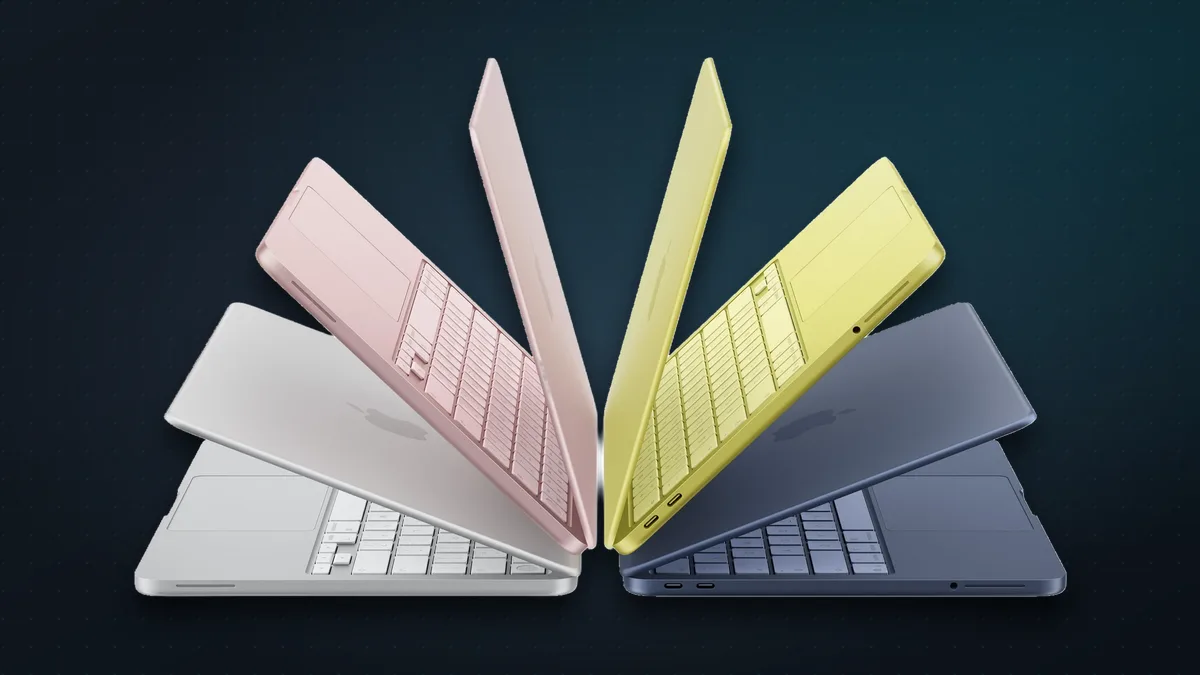
Launched in March, the MacBook Neo ($699, or $599 with education pricing) runs the A18 Pro, the chip from the iPhone 16 Pro. You get a 13-inch screen, a fanless design, up to 16 hours of video playback, 1.23 kg of weight and four fun colours. For browsing, schoolwork, documents, streaming and video calls, it’s plenty.
The compromises are real, though: 8GB of memory that can’t be upgraded, 256GB of storage, one of its two USB-C ports is slow USB 2, and Touch ID only comes on the 512GB model. Get it if you need a Mac for light work at the lowest price. Skip it if you edit photos or video, keep lots of apps open, or want a laptop that will still feel quick in six years: that’s what the Air is for.
Why the MacBook Air is right for most people
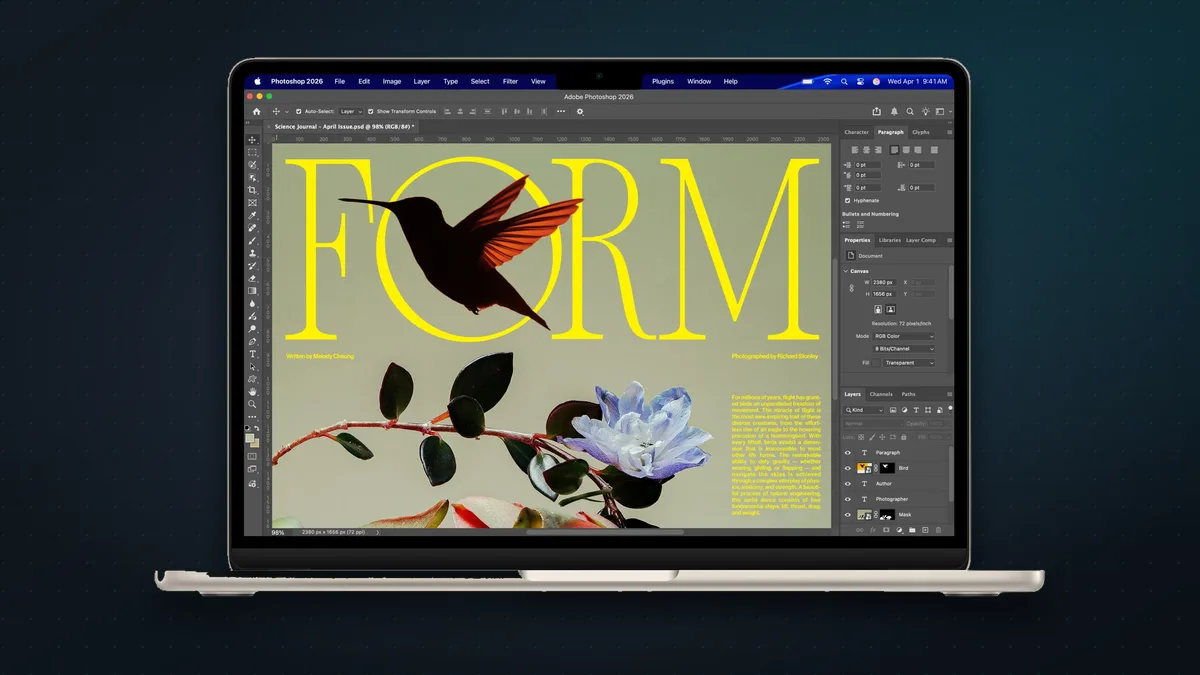
For $1,299 (13-inch) or $1,499 (15-inch), the M5 MacBook Air is silent (no fan), thin, light, and more than fast enough for what most people do all day: browsing, email, documents, video calls, photo edits, even light video. It now starts with 16GB of memory and 512GB of storage, so the base model is a sensible buy, with up to 18 hours of battery. Unless a specific need pulls you toward a Pro, start here.
When to step up to a MacBook Pro

The MacBook Pro earns its price for people who genuinely push their machine: video editors, developers compiling large projects, music producers and 3D artists. You get a fan for sustained performance, the much brighter Liquid Retina XDR screen, HDMI and an SD card slot, and longer battery life.
- 14-inch with M6 (from $1,999): new on 27 October, with a 12-core CPU, 1TB of storage as standard and up to 24 hours of battery. Read our MacBook Pro M6 guide.
- M5 Pro and M5 Max (14-inch from $2,499, 16-inch from $2,999): for heavy video, 3D and AI work, with up to 128GB of memory. The M6 model tops out at 32GB.
- MacBook Pro with PROLED XDR Display (14-inch from $2,899, 16-inch from $3,399): new on 28 October, and Apple’s first Mac with an OLED touchscreen and a Dynamic Island. It has the same M5 Pro and M5 Max chips, a brighter screen with Adobe RGB colour and a lighter body, for $400 more than the equivalent regular model. Worth it for photographers, video editors and designers; read our PROLED MacBook Pro guide.
The desktops
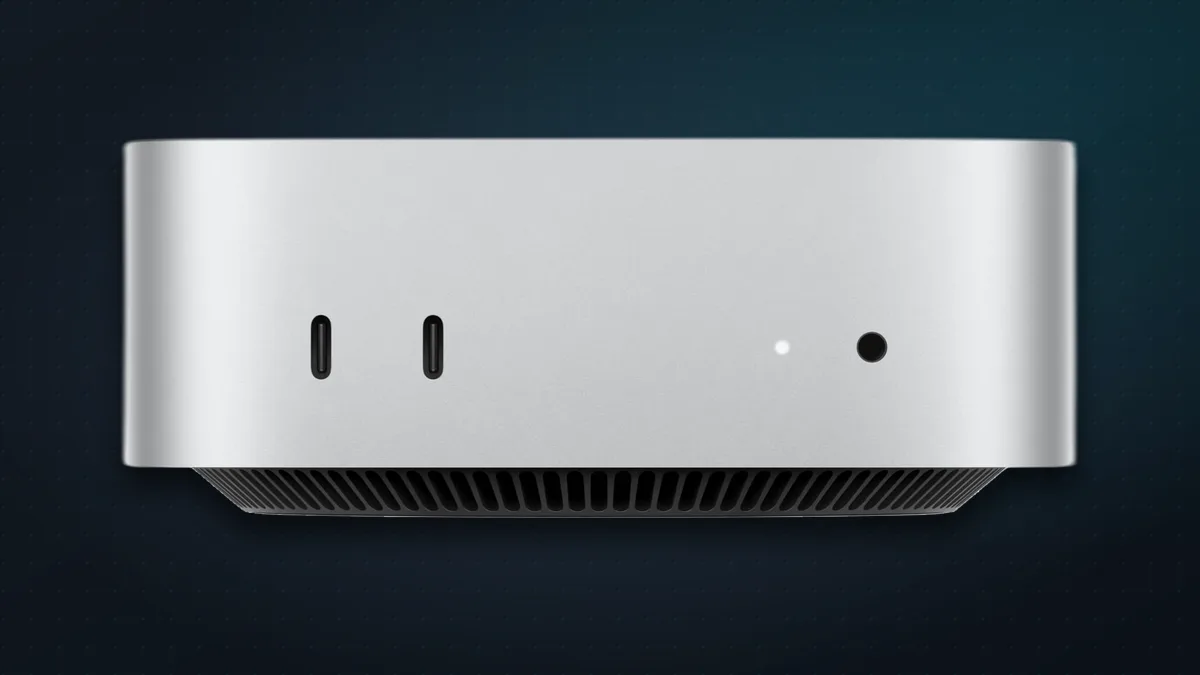
- Mac mini (M6, from $899): the best value in the whole lineup. Even the base model has a 12-core M6, the same chip as the $1,699 iMac. If you already have a monitor, keyboard and mouse, it’s the cheapest way into a genuinely fast Mac. An M5 Pro version starts at $1,699.
- iMac (M6, from $1,499): a clean 24-inch all-in-one with keyboard and mouse in the box, updated to M6 on 27 October. See below.
- Mac Studio (M5 Max, from $2,499): a compact powerhouse for professionals doing heavy video, 3D or AI work. Most people don’t need this; the ones who do already know.
Which iMac should you buy?
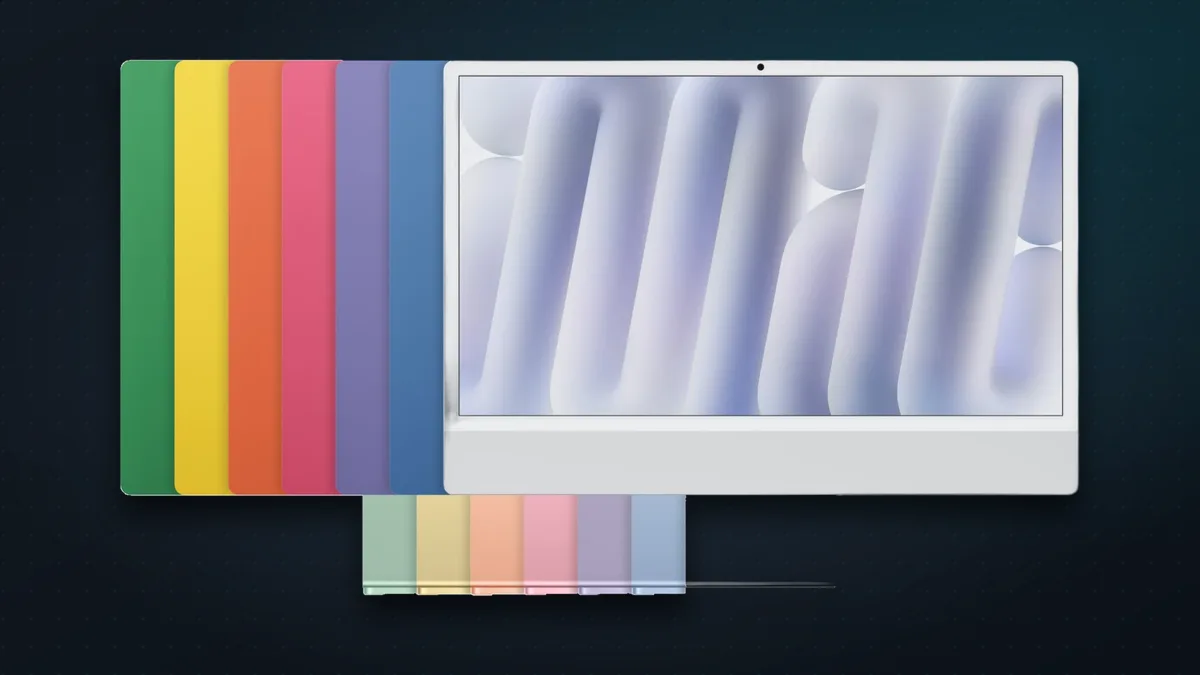
Apple updated the iMac to the M6 chip on 27 October 2026, with pre-orders from 28 October and deliveries from 6 November.
- 10-core model ($1,499 / ₹1,74,900): fine for a family computer or a student’s desk, but it has only two ports and supports one external display.
- 12-core model ($1,699 / ₹1,99,900): the better buy for most people. It adds two Thunderbolt ports, 2.5Gb Ethernet, a Touch ID keyboard, support for a second external display and a faster chip.
- Storage: both start at 256GB, which fills up fast. Choose 512GB or budget for an external drive.
Full details, and whether to upgrade from an older iMac, are in our iMac M6 guide.
The one spec that matters most: memory
Here’s the single most important thing to get right, because you can’t change it later. Mac memory (RAM) is unified and built into the chip, so there’s no upgrading it after you buy.
- 16GB is the sensible floor in 2026 for most people, and it’s now standard on everything except the MacBook Neo (8GB).
- 24–32GB if you edit video, run virtual machines, keep dozens of heavy tabs and apps open, or dabble in local AI models.
- Storage is the same story: it isn’t user-upgradeable on modern Macs, so buy enough (512GB is a comfortable default) or plan to lean on external drives and iCloud.
Spend your money here before you spend it on a fancier model: a MacBook Air with 24GB of memory will serve most people better than a base MacBook Pro with 16GB.
How to save money
- Buy the base chip, upgrade the memory. For most people the base chip is plenty; memory and storage are where the money’s better spent.
- Check Apple’s Certified Refurbished store. Same warranty, real savings, genuinely as-new condition.
- Use education pricing if you qualify. It takes $50–$100 off most Macs in the US.
- Look out for discounted outgoing models. With the M6 iMac and MacBook Pro out, M4 iMacs and M5 MacBook Pros may be cleared at a discount. They’re still great machines if the saving is big enough.
- Consider AppleCare for laptops you’ll carry everywhere; skip coverage you don’t actually need.
The bottom line
For almost everyone, the answer is the MacBook Air (M5): the Mac most people should buy and then never think about again. Choose the MacBook Neo only if the budget is tight and your needs are light, step up to the 14-inch MacBook Pro if your work demands sustained power (or the PROLED model if you want its OLED touchscreen), grab a Mac mini for the cheapest fast desktop, and pick the 12-core iMac if you want everything in one tidy box. Whatever you pick: spend on memory, not badges.
Shopping for Apple gear? See our iPhone buying guide too.
Sources & further reading
- Apple — compare Mac models
- Apple Newsroom — Say hello to MacBook Neo
- Apple — MacBook Neo technical specifications
- MacRumors — MacBook Neo: price after the June 2026 increase
- Apple — MacBook Air technical specifications
- Apple Newsroom — Apple introduces the new 14-inch MacBook Pro with M6
- Apple — MacBook Pro technical specifications
- Apple Newsroom — Apple unveils groundbreaking MacBook Pro with PROLED XDR Display
- Apple — Compare MacBook Pro models
- Apple Newsroom — Apple unveils new iMac with M6
- Apple — Mac mini technical specifications
- Macworld — Mac Studio 2026: M5 Max and M5 Ultra specs and prices
- MacRumors — iMac: features, price and buying advice
- Macworld — best Mac 2026
Keep reading
MacBook Pro with PROLED XDR: Apple's first OLED touchscreen Mac. Should you buy it?
Apple's first OLED touchscreen MacBook Pro, from $2,899 (₹3,49,900) with M5 Pro or M5 Max: what's new, how it compares with the regular Pro and who should buy.
Read more →
New iMac with M6: what's new, which model to buy, and is it worth upgrading?
Apple's new iMac gets the M6 chip, Wi-Fi 7 and faster storage from $1,499 (₹1,74,900). What's new versus M4, which model to get, and who should skip it.
Read more →
14-inch MacBook Pro with M6: what's new, who it's for, and should you get the OLED model instead?
The 14-inch MacBook Pro gets Apple's M6 chip, Wi-Fi 7 and 24-hour battery life from $1,999 (₹2,39,900). What's new versus M5, and M6 vs the new OLED model.
Read more →